Nothing OS 5.0
More control, more personalisation, more fun.

Designed for a lighter way to use your phone
Cleaner interface, deeper personalisation and more expressive design.
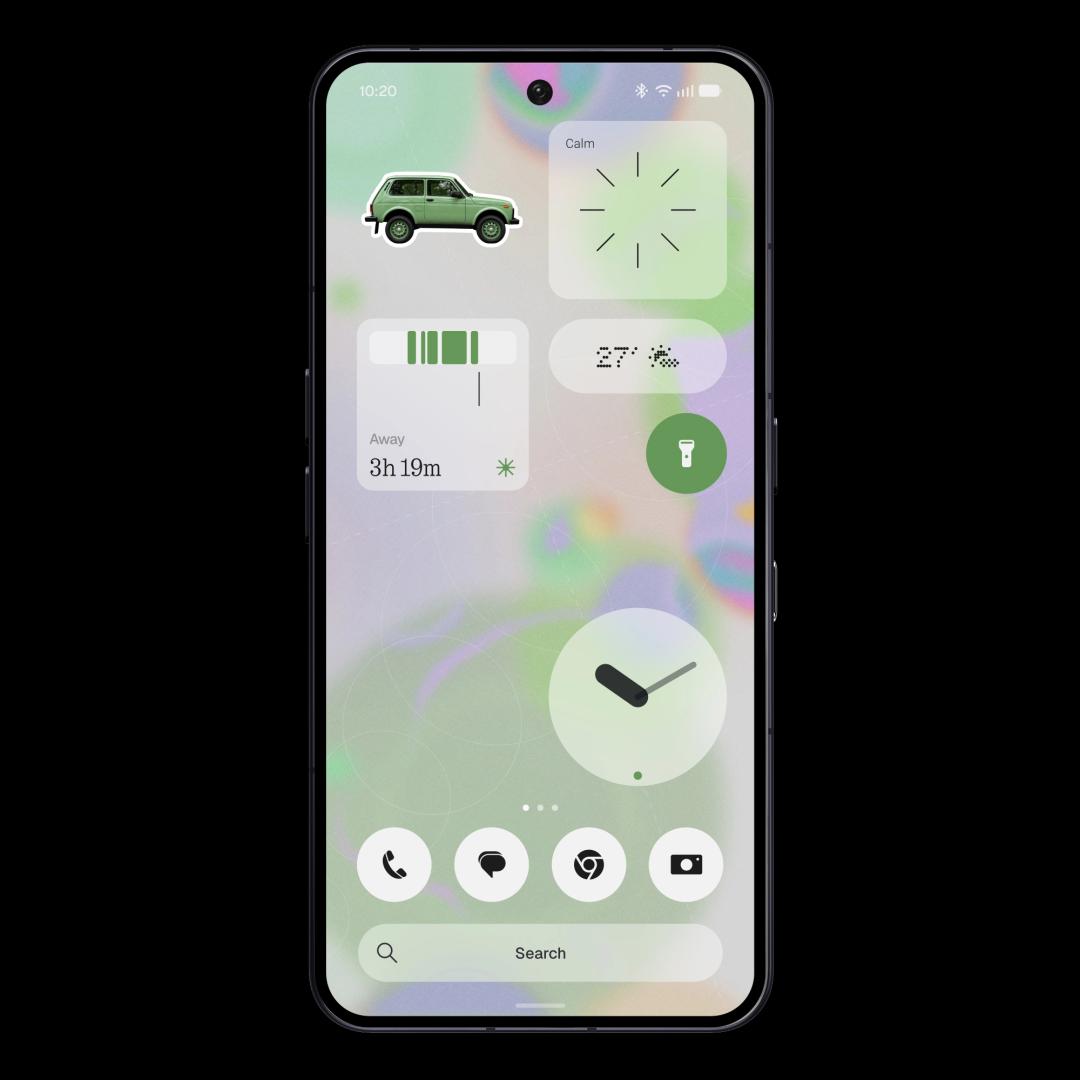
A refreshed homescreen
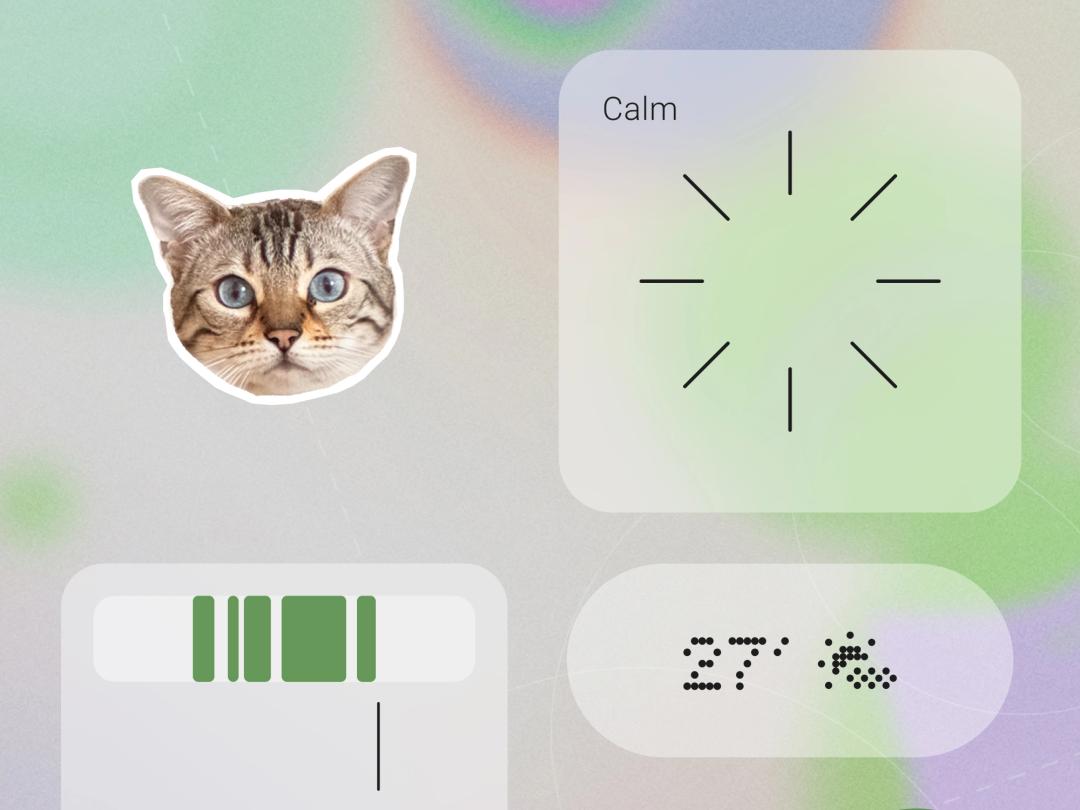
New wallpaper-aware colours, tinted app icons and transparent widgets.
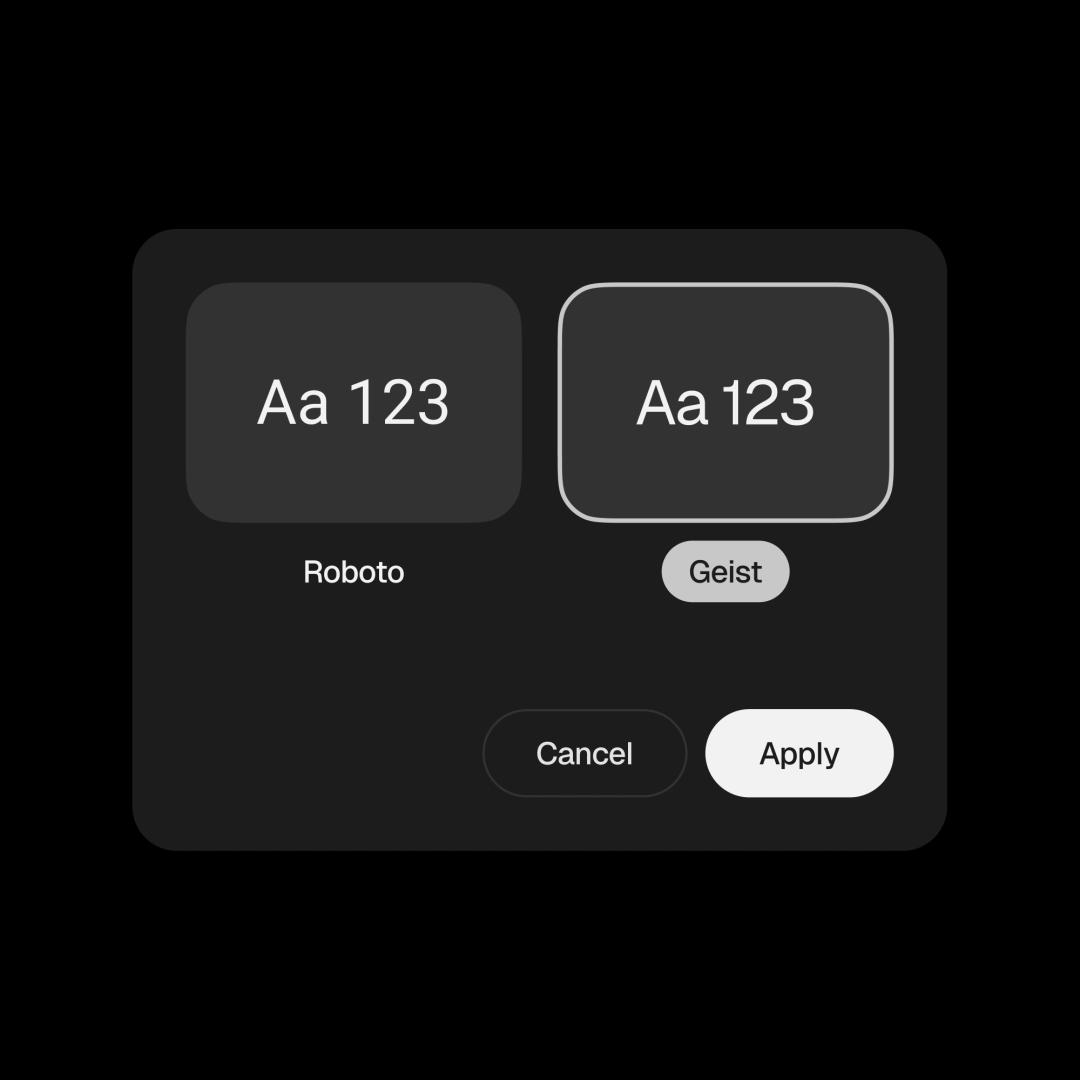
The things you use every day
A new Geist typeface, updated icons and refined layouts bring greater consistency across Settings, Camera, Gallery and the Status Bar – with smoother motion everywhere.
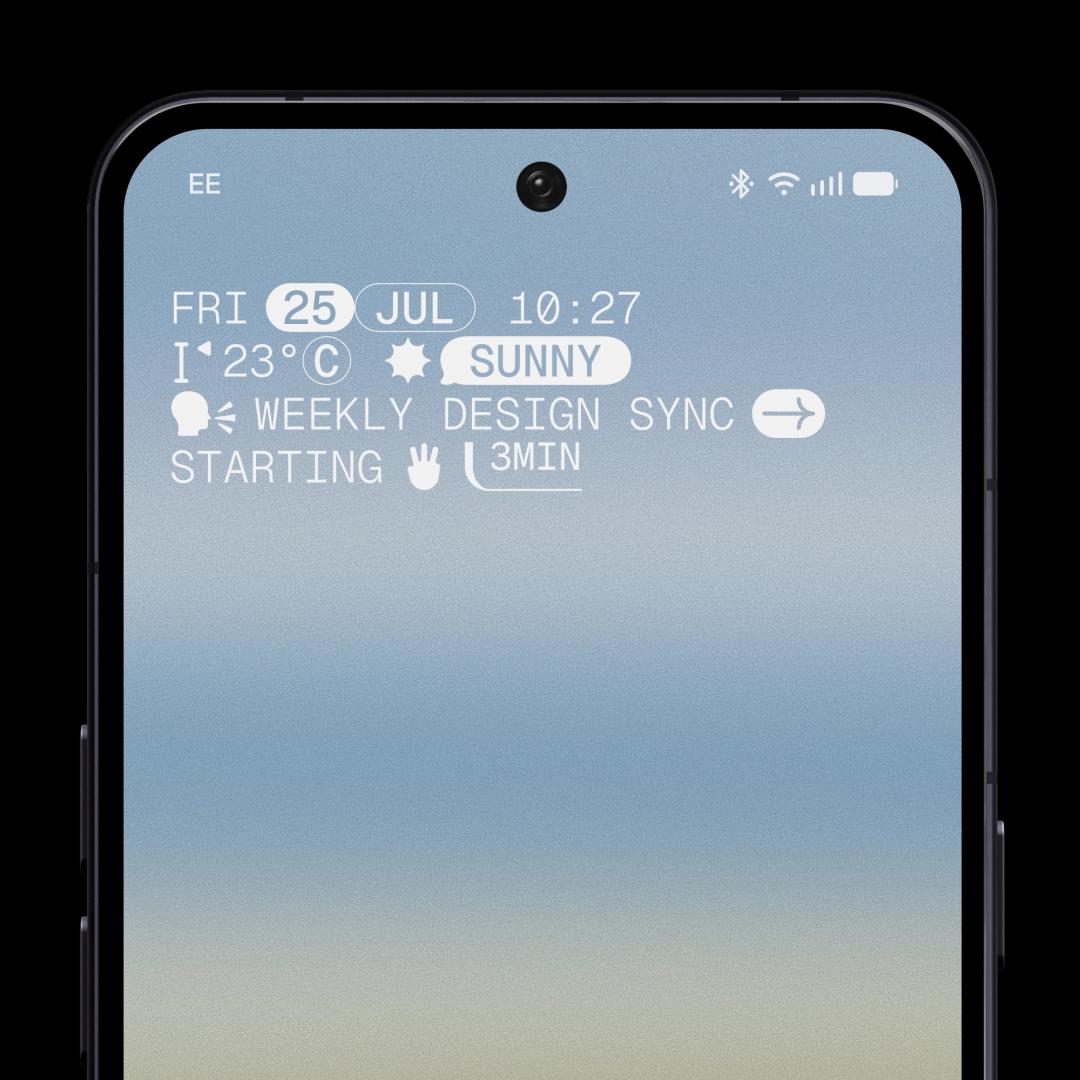
New clockfaces
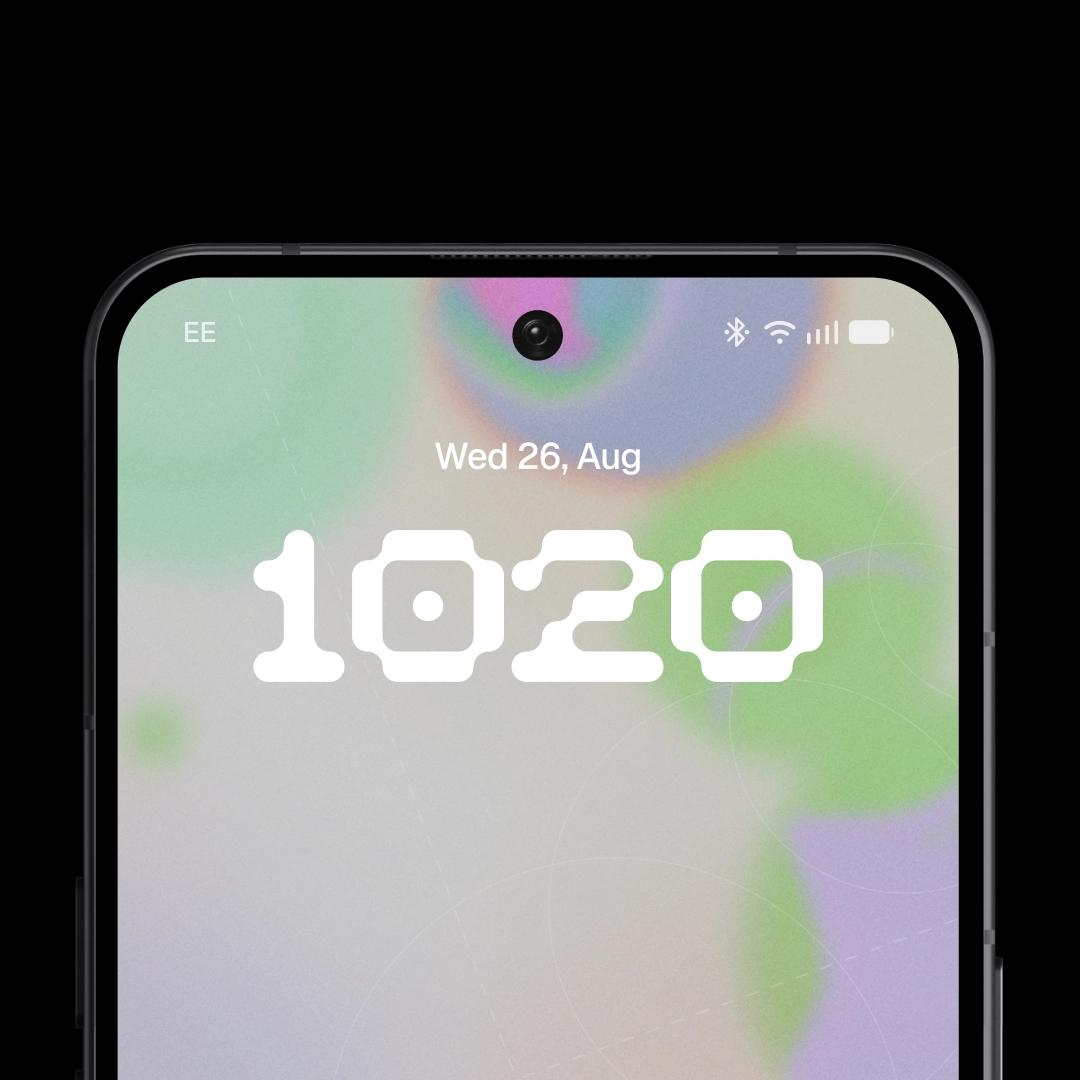
Gooey offers a bold, playful look. Micrographics gives you more information with a clean, hardware-inspired design. And more colour options.
More control, more intention
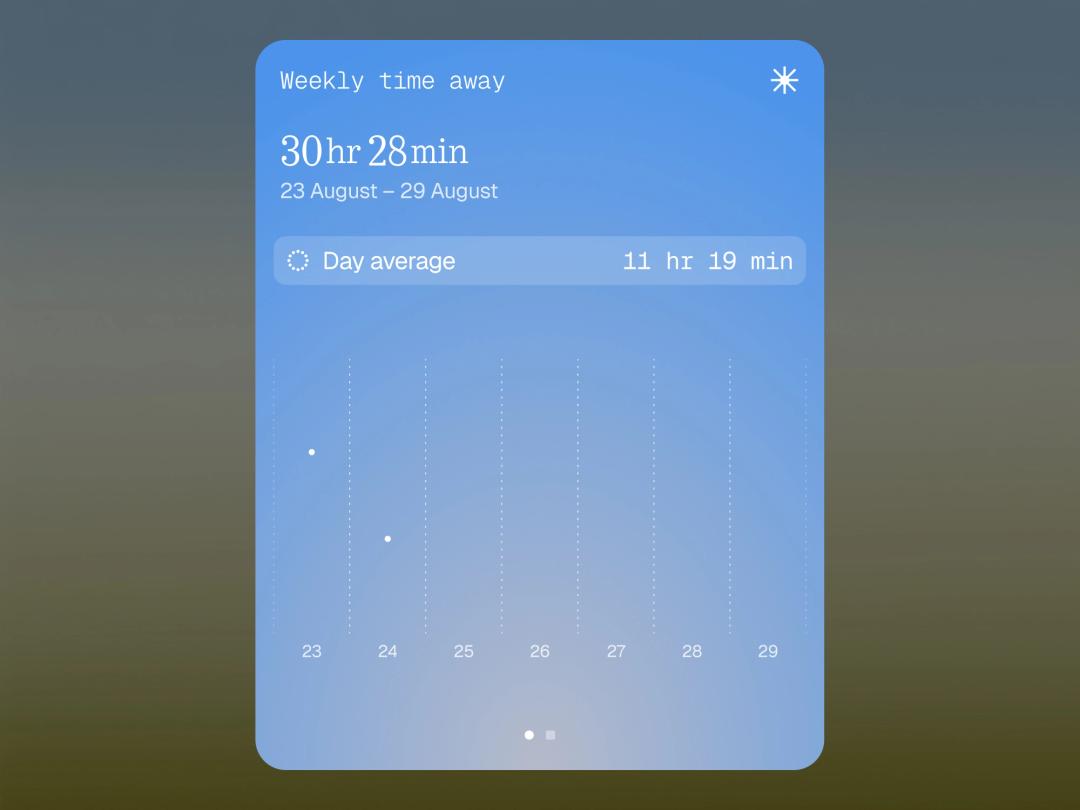
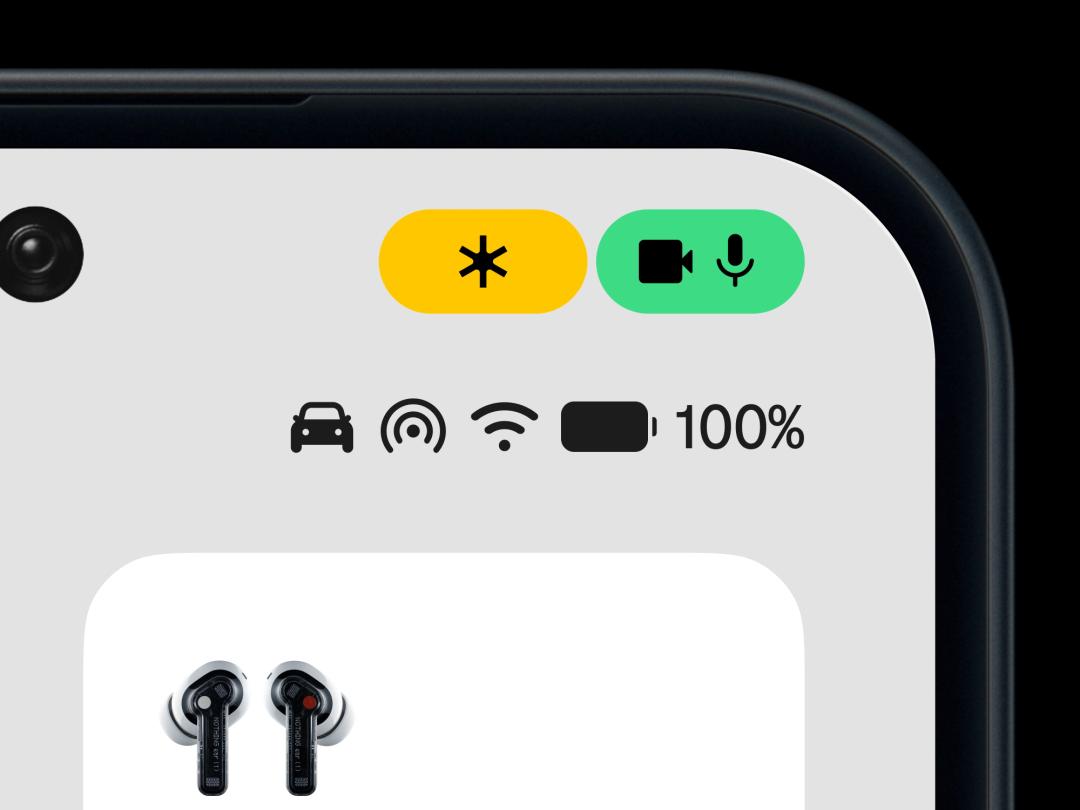
Stay focused with new ways to surface what matters.
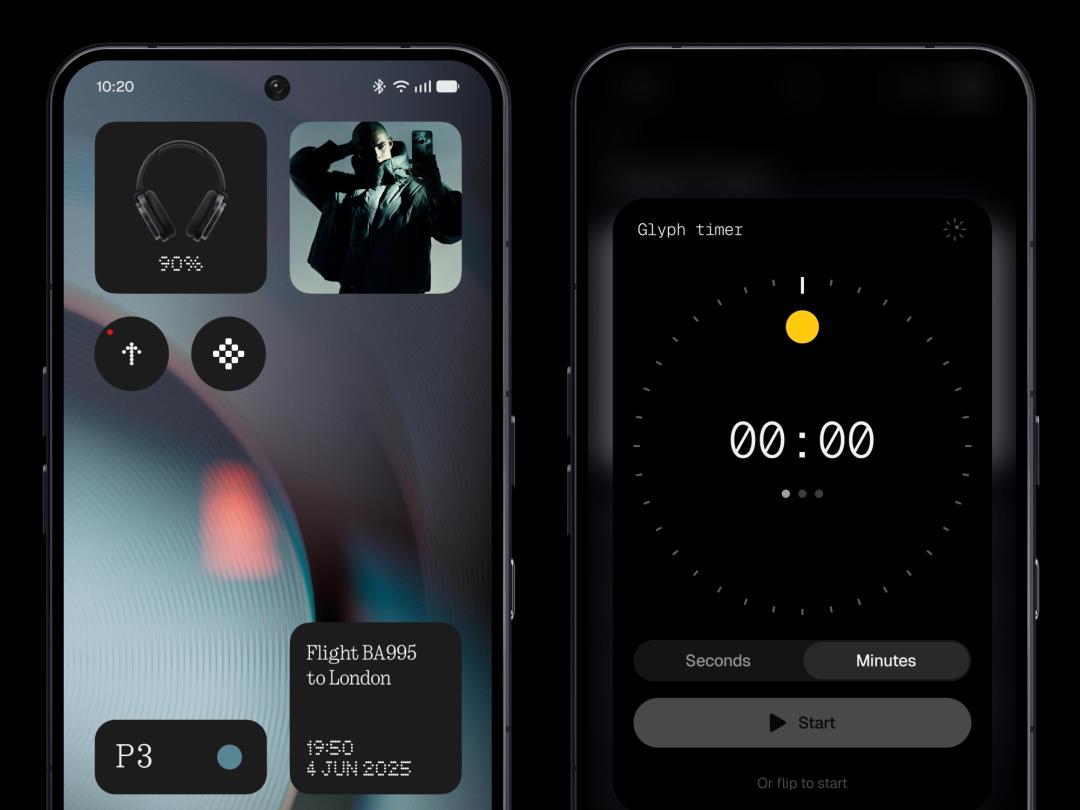
Make things easier with Essential AI tools
Capture ideas faster, organise information and create tools directly from your phone.
Faster than ever
Smoother interactions and sharper responses keep performance high.
Android 17
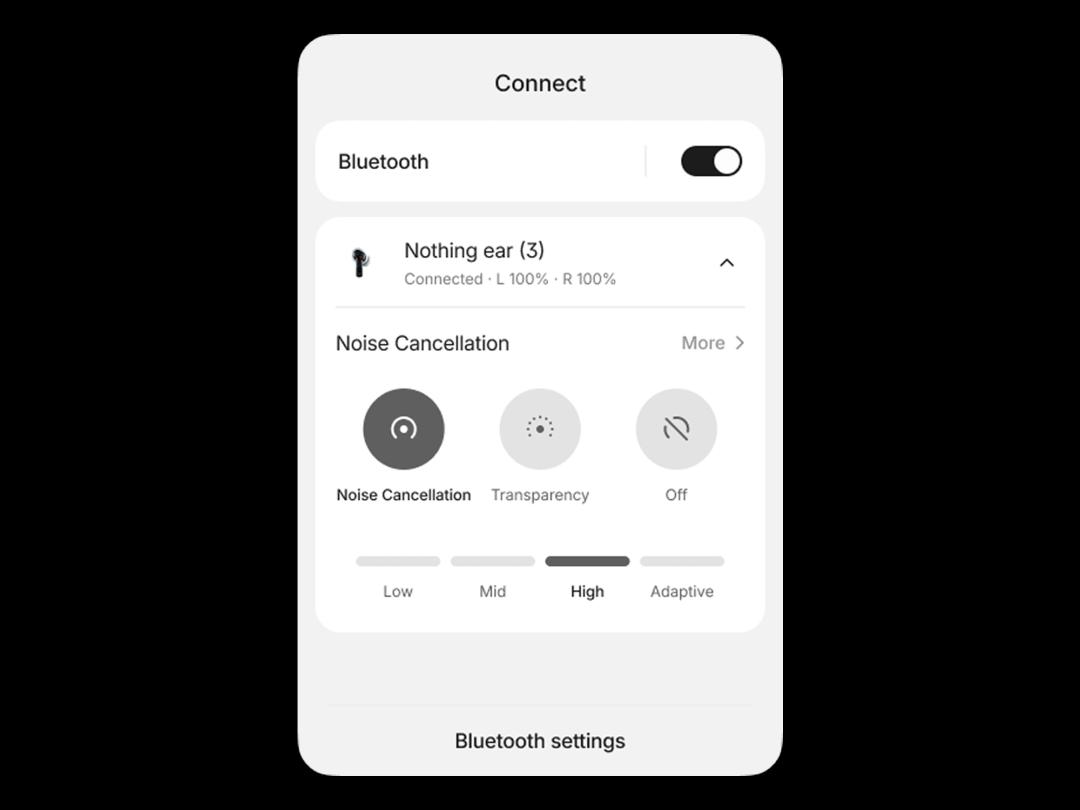
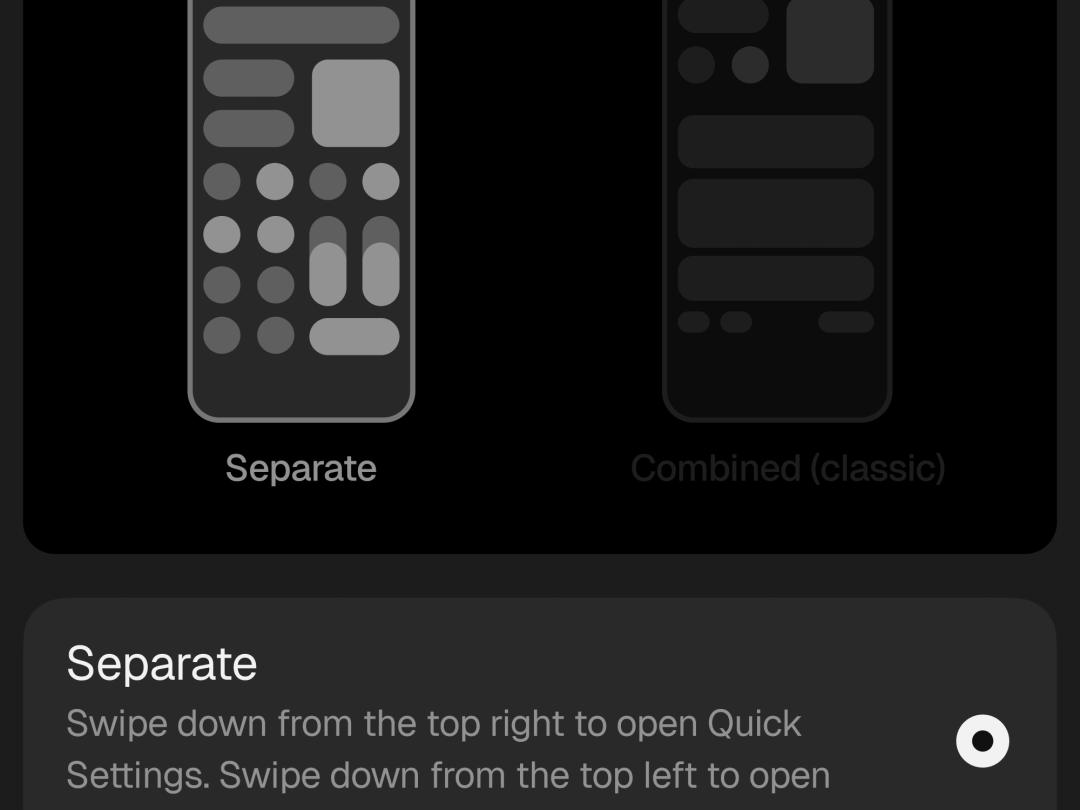
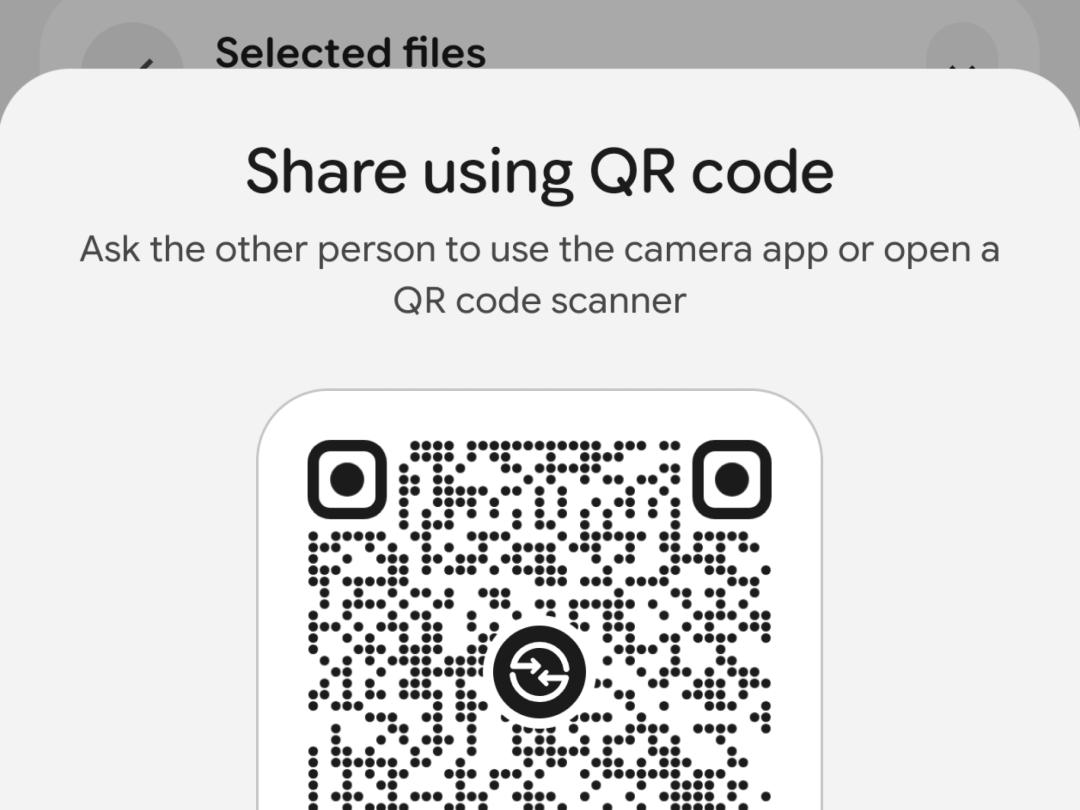
New ways to navigate, share and stay in control.

Open Beta & General Release
Model
Open Beta
General Release
Phone (3)
26 August
Mid October
Phone (4a) Pro
Early September
Early November
Phone (4a)
Late September
Early November
Phone (3a) Pro
Late September
Early November
Phone (3a)
Late September
Early November
Phone (2a)
Mid October
Mid November
Phone (2a) Plus
Mid October
Mid November
Phone (3a) Lite
-
Late December
Phone (4b)
Mid December
Mid January
CMF Phone 2 Pro
-
Mid January
Timings are indicative and subject to change. Rollout will be phased by region and carrier where applicable.
Phone (1), Phone (2) and CMF Phone 1 have reached the end of major software support and will not receive Nothing OS 5.0.
The refreshed homescreen and Micrographics clockface are still in development and won’t be included in the Nothing OS 5.0 Open Beta. Both will arrive with the general release, starting from October.
Essential Space updates will roll out separately through Google Play, with MCP support planned for around October and the redesigned capture experience starting in November. Real-time translation in Essential Voice is coming later this year.
Essential Apps Builder is in early beta, with access rolling out gradually. If you don’t have access yet, you can join the waitlist.
All other Nothing OS 5.0 Open Beta features will be available once you install the update.
Nothing OS 5.0 Open Beta is pre-release software and may contain bugs or affect device stability, battery life and performance.
Please back up important data, including photos, contacts, messages and call logs, before installing.
Your phone may temporarily become warmer and consume more power after updating. This should return to normal shortly after installation.
You must use the latest Nothing Beta Hub V2.0 to join or roll back from the Open Beta. Older versions are no longer supported.
- Make sure your phone is running the latest stable Nothing OS build.
- Download and install the latest Nothing Beta Hub V2.0 APK from your Downloads folder.
- Go to Settings > System > Nothing Beta Hub.
- Tap Check Version.
- Tap Join Beta to register.
- Once registered and the Open Beta is available for your device, tap Go to Update.
If Go to Update does not work, go to Settings > System > System updates and check manually.
Device Model
Build Version
Phone (3)
Metroid-V4.1-260814-1733
Phone (4a) Pro
FroggerPro-B4.1-260723-1820
Phone (4a)
Frogger-B4.1-260808-1352 or later
Phone (3a) Pro
Asteroids-B4.1-260810-1153
Phone (3a)
Asteroids-B4.1-260810-1153
Phone (2a)
Pacman-B4.1-260813-0941 or later
Phone (2a) Plus
PacmanPro-B4.1-260813-0941 or later
Phone (4b)
To be confirmed
Beta Hub supports the listed build and newer compatible versions. After joining, the Open Beta may take up to 5 minutes to appear. If you see a stable update first, install it and check again. The Open Beta will follow. We recommend keeping your phone updated to the latest available version.
Open Beta availability will follow the Nothing OS 5.0 rollout schedule for each device.
Once installed, help us improve Nothing OS 5.0 by sharing your feedback through Settings > System > Feedback
You can also join the dedicated Nothing OS 5.0 Open Beta discussions on Nothing Community.
Nothing Beta Hub V2.0 introduces a simpler rollback process. You no longer need to manually download a rollback package. The downgrade is handled through a system OTA update.
- Go to Settings > System > Nothing Beta Hub.
- Tap Check Version.
- Tap Request Rollback if your device is eligible.
- When the Request Successful message appears, tap OK. Your request remains valid for 48 hours and may take up to five minutes to sync.
- Tap Go to Rollback.
- Confirm that you understand all data will be erased and that you have backed up your phone.
- Tap Confirm & Rollback.
- You will be redirected to System updates to download and install the downgrade OTA.
The previous Import File option remains available at the bottom of Nothing Beta Hub as a backup method, but we recommend using Request Rollback.
If your 48-hour rollback window expires, tap Check Version and request the rollback again.
The Open Beta access channel will remain open for 7 days, after which new participation will close.
Installing beta software or rolling back may require a factory reset and could result in data loss. Back up your phone before continuing. Nothing cannot accept responsibility for issues caused during installation or rollback. For support, contact Nothing Customer Support.
Download the Open Beta
Experience Nothing OS 5.0
Get an early look at Nothing OS 5.0 and help us refine the experience.
Frequently Asked Questions
Open Beta gives us time to test and refine features before the general release. Some features, including the redesigned home screen and Micrographics clock face, are still in development and will arrive with the general release.
Yes. Once the general release is available for your device, you'll receive it as a normal over-the-air update. You don't need to leave the Open Beta first.
Yes. You can return to the latest stable version using the rollback package for your device. Rolling back will erase all data on your phone, so make sure you back up anything important first.
No. Installing the Open Beta will not erase your data. However, this is pre-release software, so we recommend backing up your phone before updating.
Report bugs through Settings > System > Feedback. You can also join the discussion on Nothing Community to share your experience and suggestions with the team.